 LocalRec

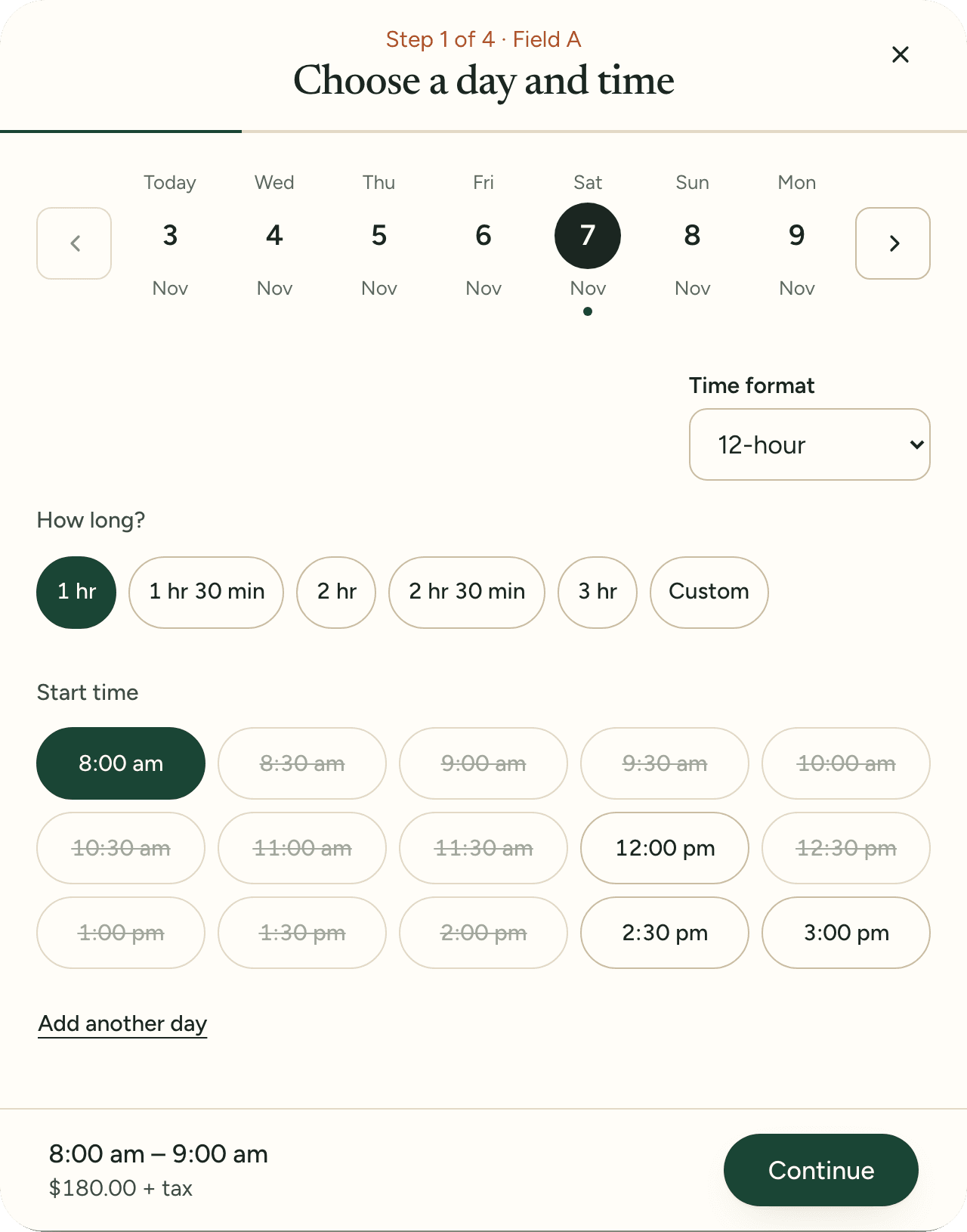
Online booking page
Your own page where customers see open times and book. They confirm with an email code, so there's no password and no app.
Learn more: Online booking pageOnline booking, front desk calendar and payments for your fields, courts and gyms.
List your facility
One system for the bookings you take online and the ones you take on the phone.
Your own page where customers see open times and book. They confirm with an email code, so there's no password and no app.
Learn more: Online booking page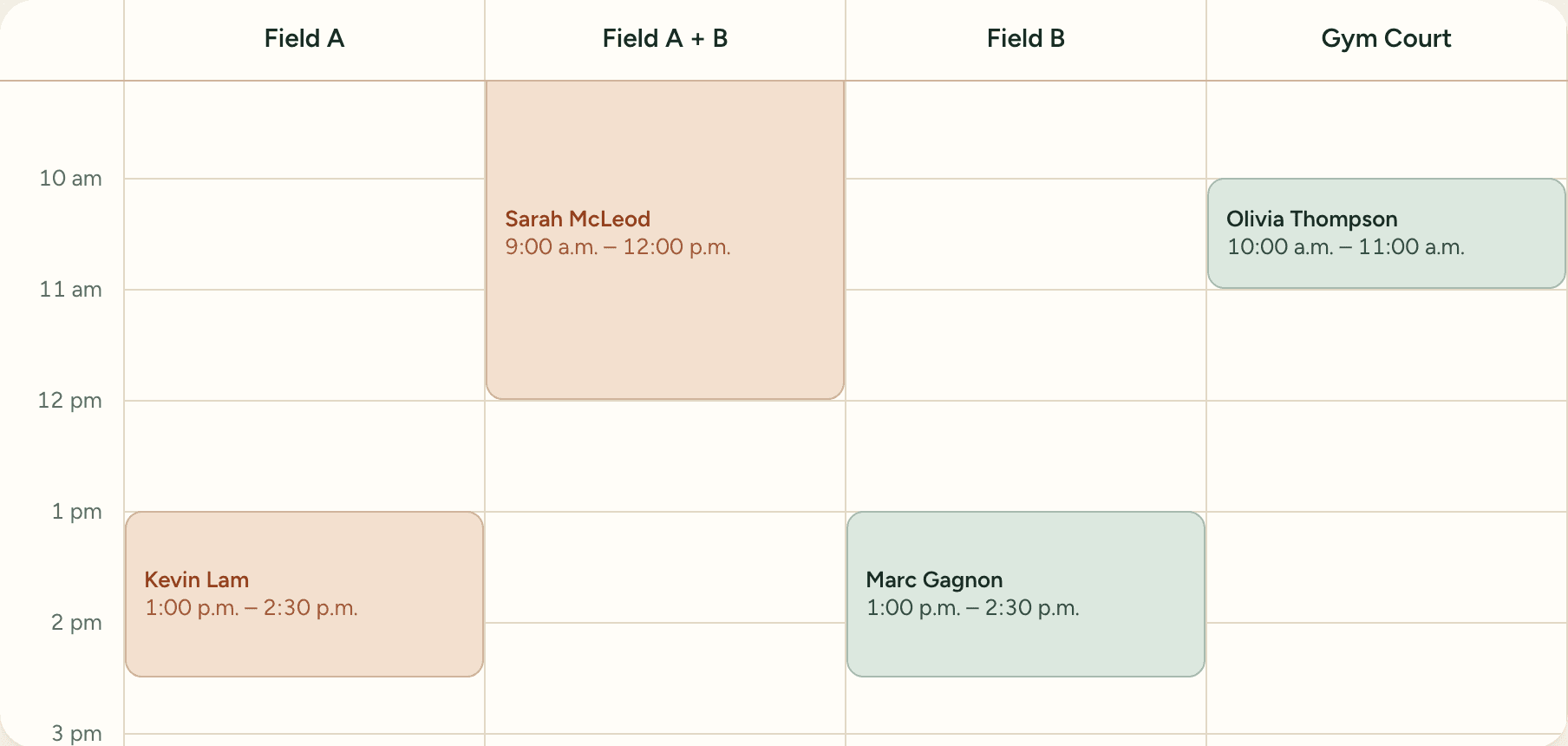
Every space by day or week. Phone and web bookings share one calendar, so the same hour can't be sold twice.
Learn more: Front desk calendar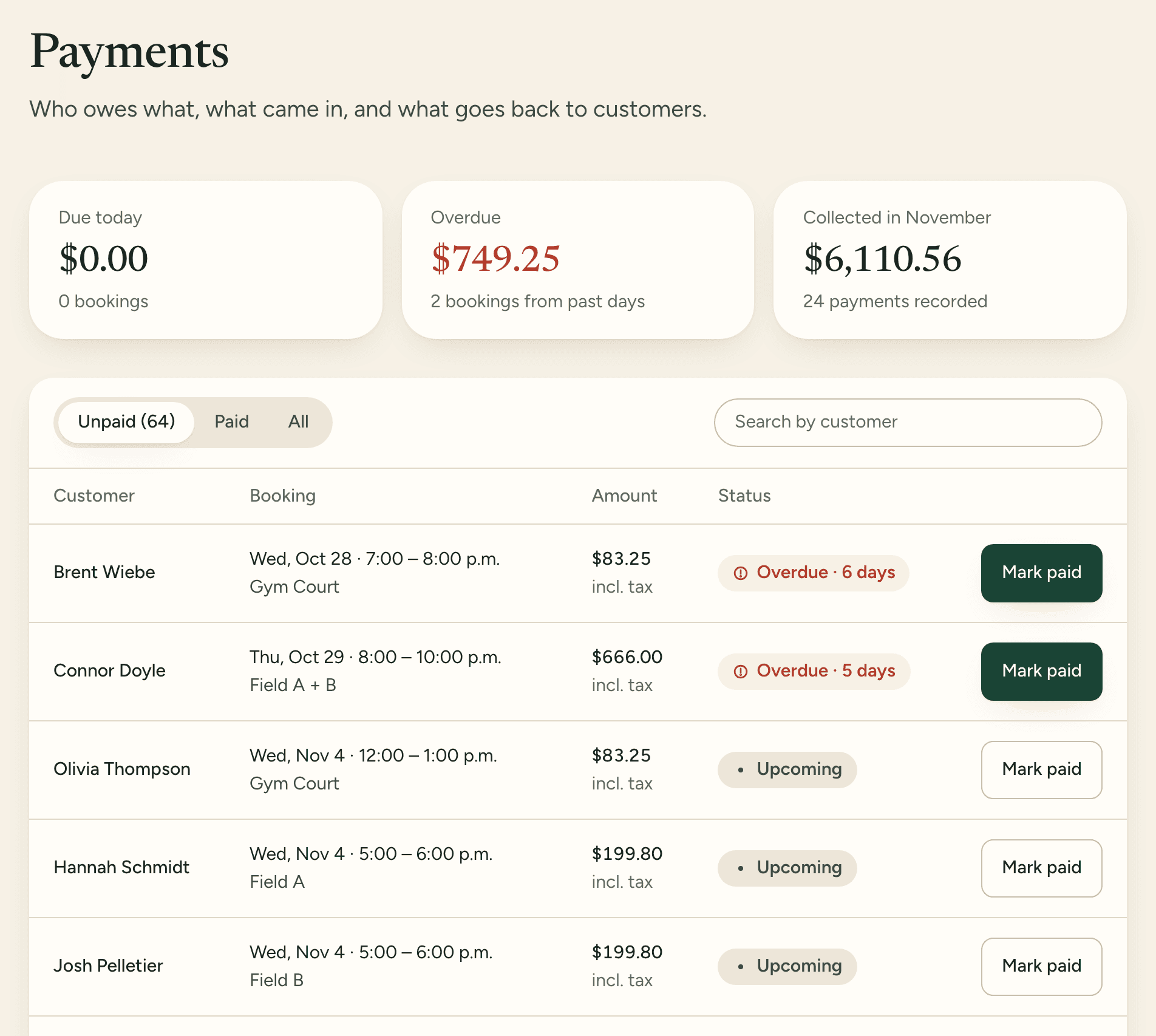
Take card at booking into your own Stripe account, Interac e-Transfer, or payment at the desk. LocalRec takes no commission.
Learn more: Payments your waySell monthly memberships, charged by your facility to the member's card or bank account. Bring your current members over from the software you use today.
Learn more: MembershipsRent the whole turf or either half. A full-field booking blocks both halves automatically.
Charge more on weekday evenings and less on quiet mornings, with rates that change by season.
Collect signed waivers and rental agreements, and give each person an Owner, Manager or Staff role.
Add your fields and courts, set an hourly price and add a photo. The rental is ready to publish on your booking page.
Set it up once. Bookings come in on their own.
Add your spaces with hours and rates, choose how customers pay, and share your booking page. You see every booking, every payment and what is still owed.
Per facility, billed monthly in Canadian dollars plus tax. No commission on bookings.
Regular price $99, $0 for 14 days
then $99 CAD / month + tax
Run your booking page, front desk calendar and customer records. Customers pay by card when they book, by Interac e-Transfer or at the facility, whichever you choose.
Regular price $299, $0 for 30 days
then $299 CAD / month + tax
Everything in Operate. Sell memberships and import your members from the tools you use now.
Coming soon: In-person payments, Programs, Advanced analytics
Sign up with your work email, then add your facility, its location and its spaces with hours and rates. Start a free trial, and your booking page goes live after a quick verification. Email our support team at support@localrec.ca if you'd like help setting up your spaces.
No. Customers confirm with a code sent to their email, so they don't need a password or the app. Players who use the LocalRec app can also book there and turn the booking into a game.
You choose one. Card at booking is paid into your facility's own Stripe account, with Apple Pay and Google Pay. With Interac e-Transfer, customers get your payment details and your staff confirm each one when it arrives. Or customers pay at the facility. LocalRec takes no commission on bookings.
Yes. A facility's first subscription starts with a free trial: 14 days on Operate, 30 days on Grow. You add a card to start it, and it's charged when the trial ends unless you cancel.
Facility OS is for indoor sports facilities across Canada. The LocalRec player app covers Regina, Saskatoon, Edmonton and Calgary.
For anything else, email support@localrec.ca.
Book a demo and one of our team will add your spaces, rates and memberships with you, so your booking page can go live this week.